You’ve invested in a streaming box, a gaming console, a Blu-ray player, and maybe a media PC—only to discover your TV has three HDMI ports and zero patience for your ambitions. The result is a tangle of cables behind your entertainment center, constant plug-swapping, and the nagging feeling that your home theater should be smarter than this. When you add a second display, like a projector in another room or a TV in the bedroom, the routing nightmare multiplies. Every movie night starts with fumbling behind furniture instead of settling into your seat. HDMI matrix switchers eliminate this frustration entirely. Unlike simple switch boxes that let you toggle between sources on a single screen, a matrix switcher routes any combination of inputs to any combination of outputs simultaneously—giving you complete command over where your content goes without touching a single cable. In this article, we’ll break down how these devices work, explore their benefits for picture and sound quality, walk through setup and troubleshooting, and help you choose the right model so your home theater finally delivers the seamless, flexible experience you designed it for.
Understanding HDMI Matrix Switchers: The Core of Modern Home Theaters
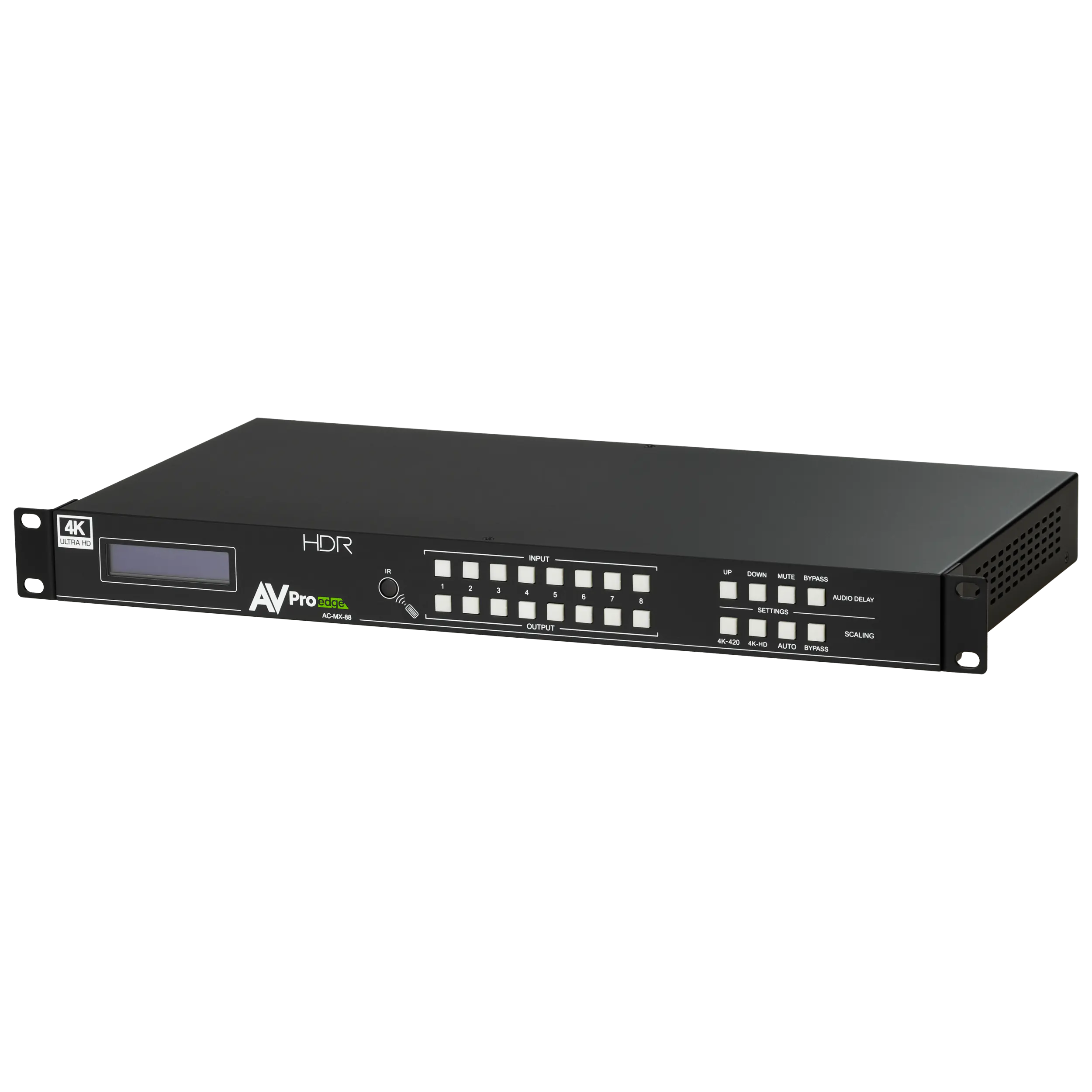
An HDMI matrix switcher is a signal distribution device that accepts multiple HDMI sources as inputs and routes them independently to multiple displays as outputs. Think of it as a sophisticated traffic controller for your video and audio signals. A basic HDMI switcher lets you connect several devices to one TV, selecting which source plays at any given time—it’s a many-to-one solution. A matrix switcher, by contrast, operates on a many-to-many principle. A 4×4 matrix switcher, for example, takes four inputs and distributes them across four outputs, with each output capable of displaying a different source simultaneously.
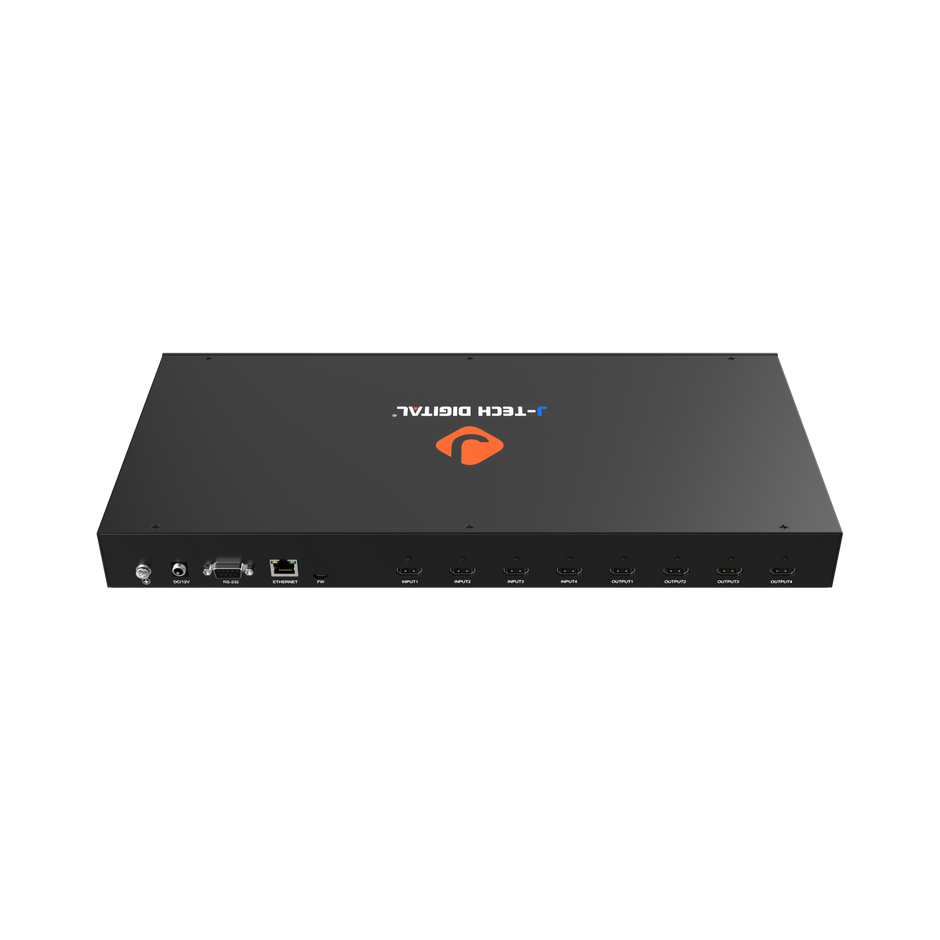
In a home theater context, this means your gaming console can feed the living room TV while your Blu-ray player streams a film to the bedroom projector—at the same time, without rewiring anything. You simply select which source goes where through a remote, control panel, or app. This independent routing capability makes matrix switchers essential for multi-room entertainment systems and setups where more than one person wants to watch or play different content on different screens. Rather than duplicating devices or running separate cable paths for each room, you centralize all your sources in one location and let the HDMI switcher handle distribution intelligently, preserving both signal quality and your sanity.
Key Benefits of HDMI Matrix Switchers for Home Theater Enthusiasts
For anyone serious about their home theater, matrix switchers solve problems that no amount of cable management or port-shopping can fix. They centralize your entire source library in one accessible location—typically an equipment rack or media closet—eliminating the visual chaos of cables draped across multiple rooms. Beyond tidiness, they hand you unified control over your entire system, meaning one interface governs what plays where, whether you’re hosting a watch party or letting the kids game upstairs while you enjoy a film downstairs.
Flexible Routing Solutions for Multiple Displays
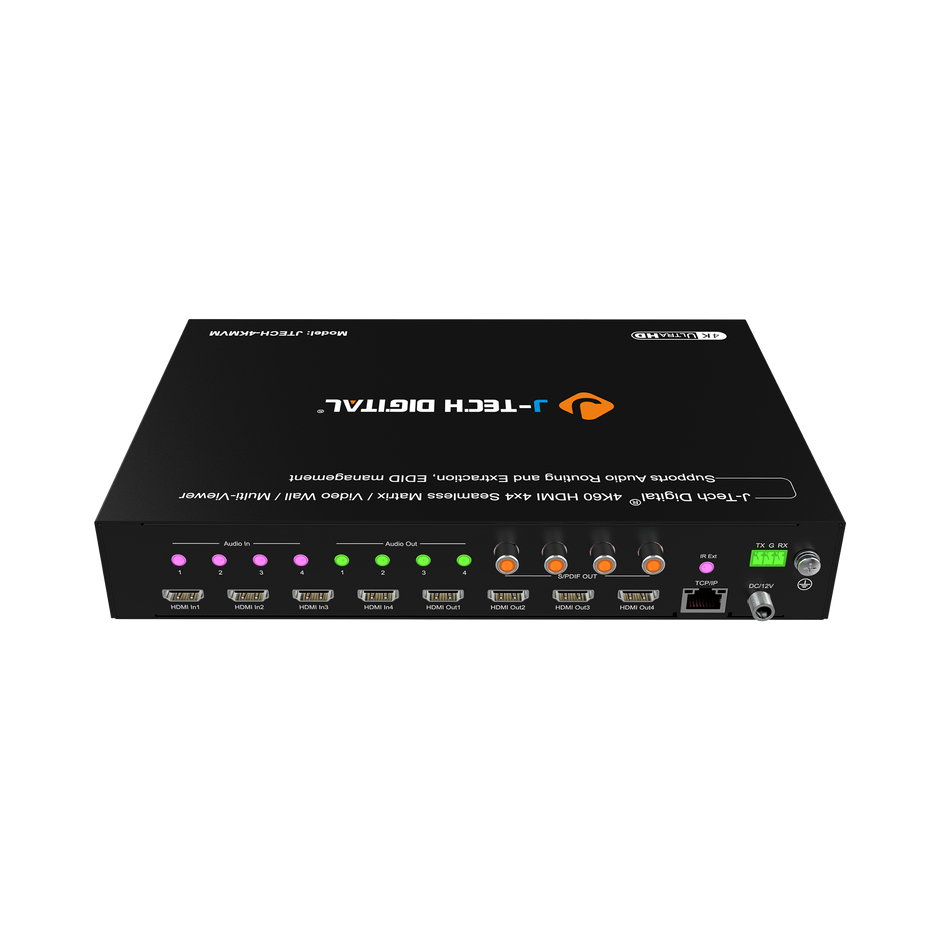
The real power of matrix switchers lies in dynamic routing. Suppose you have a cable box, an Apple TV, a PlayStation, and a Blu-ray player feeding into a 4×4 matrix. Your living room projector, bedroom TV, patio display, and home office monitor each become independent destinations. Want the game on the projector and a cooking show in the kitchen? One button press. Need to mirror the same concert stream across every screen for a party? Done instantly. This flexibility means your displays are no longer tethered to specific devices, and your household members stop competing for access to a single source. The routing adapts to your life rather than forcing your life to adapt to the wiring.
Ensuring High-Quality Video and Audio Output
A common concern with any signal distribution device is degradation—will routing through additional hardware compromise your carefully calibrated picture or sound? Modern matrix switchers are designed to pass signals without alteration, supporting 4K resolution at 60Hz, HDR10, Dolby Vision, and lossless audio codecs like Dolby TrueHD and DTS-HD Master Audio. The digital HDMI signal arrives at your display bit-for-bit identical to what left your source, so your investment in premium content and high-end displays pays off fully. Quality switchers also handle bandwidth-intensive formats without introducing latency, which matters critically for gaming where even a few milliseconds of input lag can ruin the experience.
How to Implement HDMI Auto Switch Technology in Your Setup
Getting a matrix switcher up and running doesn’t require professional installation for most home theater configurations. With some planning and a systematic approach, you can have your routing solutions operational in an afternoon—and once configured, the system largely manages itself through auto-switch features that detect active sources and respond accordingly.
Step-by-Step Guide to Setting Up Your HDMI Matrix
Start by auditing your current equipment. Count every source device you want connected and every display that needs to receive a signal. This determines whether you need a 4×2, 4×4, or larger custom HDMI matrix configuration. Next, choose a central location for the switcher—ideally an equipment rack or ventilated media closet where all cable runs can converge without excessive length. HDMI signals degrade over long distances, so keep runs under 15 feet when possible, or use active cables or HDBaseT extenders for longer paths.
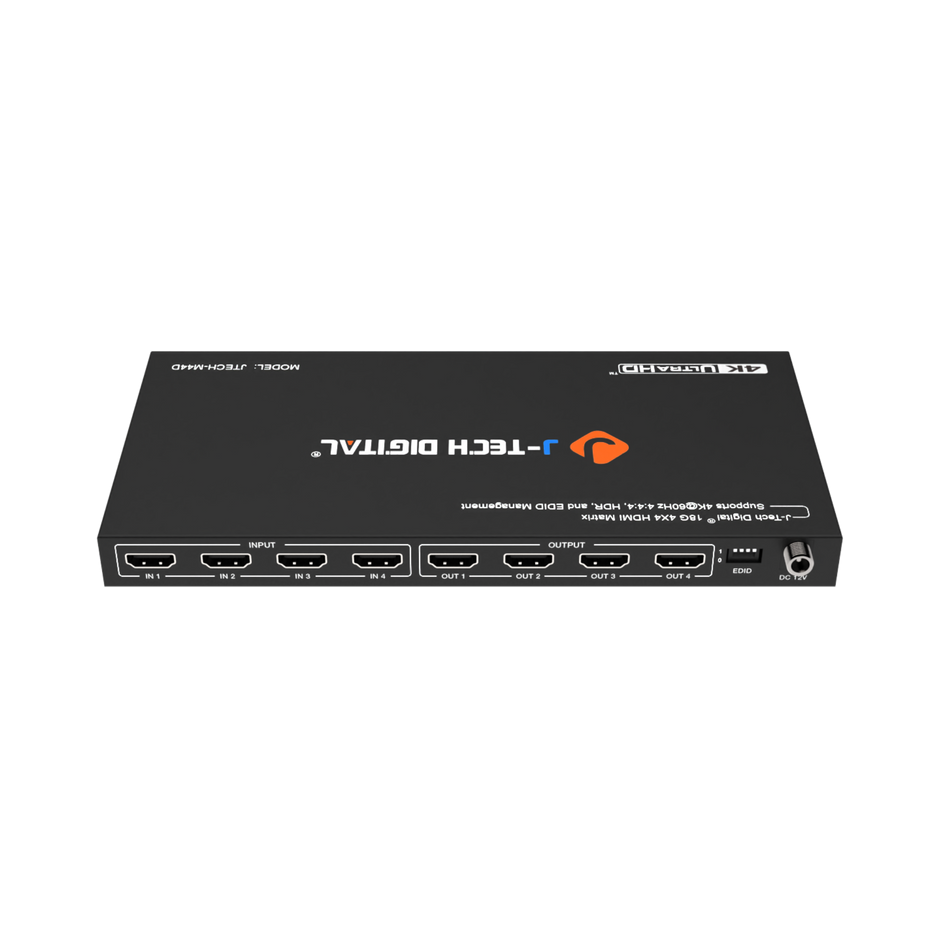
Connect all source devices to the matrix’s input ports using certified high-speed HDMI cables that support your required bandwidth. Then run cables from each output port to its designated display. Power on the matrix switcher before powering your sources and displays—this allows proper HDMI handshaking to occur in sequence. Access the switcher’s configuration menu through its front panel, IR remote, or companion app to assign default routing preferences. Most units offer an hdmi auto switch mode that automatically routes a newly powered-on source to a designated output, which is perfect for households where turning on the Apple TV should immediately send it to the living room screen without manual selection. Save your preferred presets—movie night, gaming session, whole-house party—so switching between complex routing schemes takes a single button press rather than reconfiguring each path individually.
Troubleshooting Common Issues
HDCP handshake failures are the most frequent headache, typically manifesting as blank screens or “content protected” error messages. Power-cycling the matrix switcher usually resolves this, but persistent issues may require updating the switcher’s firmware or ensuring all cables in the chain support the same HDCP version. Signal drops or intermittent flickering often trace back to cable quality—replace any passive cable over 10 feet with an active or fiber-optic HDMI cable. If a specific display shows incorrect resolution or color, check the switcher’s EDID management settings; manually locking EDID to your highest-capability display prevents the system from defaulting to the lowest common denominator across all connected screens. For audio extraction issues where your soundbar or receiver isn’t receiving the expected format, verify that the matrix’s audio output settings match your audio device’s capabilities and that passthrough mode is enabled rather than downmixing.
Choosing the Right HDMI Matrix Switcher: A Buyer’s Guide
Selecting the ideal matrix switcher starts with matching the unit’s capacity to your actual needs—both current and anticipated. Count your sources and displays, then add at least one or two extra ports on each side for future additions. A 4×4 matrix suits most single-household setups with two to three displays and room to grow, while an 8×8 configuration serves larger homes with dedicated media rooms, outdoor entertainment areas, or multiple viewing zones spread across floors. Resolution support is non-negotiable: ensure the unit handles 4K at 60Hz with 4:4:4 chroma subsampling if you own or plan to purchase UHD displays, and confirm HDR passthrough compatibility for both HDR10 and Dolby Vision content. Audio format support matters equally—look for bitstream passthrough of Dolby Atmos and DTS:X if your sound system decodes object-based audio. Control options shape daily usability more than most buyers realize. IR remotes work for simple setups, but IP control and dedicated smartphone apps make complex routing changes effortless from anywhere in the house, and RS-232 or CEC integration allows your matrix to respond to commands from universal remote systems or smart home platforms. Finally, consider build reliability over budget alone. A well-constructed switcher with solid thermal management and responsive firmware updates will serve you for years, whereas bargain units often introduce frustrating handshake issues that undermine the convenience you’re paying for. Manufacturers like J-Tech Digital Inc have built a reputation in the AV transmission and processing space by focusing on reliable EDID management and consistent HDCP compliance across their matrix switcher lineup.
Advanced Features and Custom HDMI Matrix Options
Beyond basic routing, higher-end matrix switchers offer capabilities that transform a good home theater into a truly intelligent system. Built-in scalers automatically convert source resolutions to match each connected display’s native capability, so a 4K Blu-ray player can feed a 4K projector at full resolution while simultaneously delivering a properly downscaled 1080p signal to an older bedroom TV—without requiring separate processing hardware. Advanced EDID management goes further by letting you create custom EDID profiles that tell your sources exactly what resolutions and audio formats to output, eliminating compatibility conflicts before they occur. Network integration through IP control opens the door to whole-home automation, allowing your custom HDMI matrix to communicate with smart home platforms like Control4, Crestron, or even simpler ecosystems like Home Assistant. This means voice commands, scheduled routing changes, and automated scenes become possible—walk into your media room and the lights dim, the projector powers on, and your preferred streaming source routes automatically. For unique architectural layouts, HDBaseT-equipped matrices extend signals over standard Cat6 cabling up to 230 feet, making installations across multiple floors or detached spaces practical without signal loss. These advanced options future-proof your investment, ensuring your system adapts as display technology evolves and your entertainment needs expand.
Build a Seamless Multi-Room Entertainment System with the Right Matrix Switcher
HDMI matrix switchers address the two most persistent frustrations in modern home theaters: inflexible signal routing and compromised output quality. By centralizing all your sources and distributing them independently to any display in your home, these devices eliminate cable clutter, end the plug-swapping ritual, and give every household member simultaneous access to the content they want on the screen they prefer. The technology preserves every pixel of your 4K HDR picture and every channel of your lossless surround sound, ensuring that convenience never comes at the cost of performance. Implementation is straightforward when you plan your cable runs, choose appropriate hardware for your room count, and take advantage of auto-switch presets that simplify daily operation. Selecting the right model comes down to honest assessment of your current and future needs—port count, resolution support, audio passthrough, and control integration all matter more than raw spec sheets suggest. As display technology continues advancing toward 8K, higher refresh rates, and increasingly immersive audio formats, a well-chosen matrix switcher positions your system to evolve alongside these developments rather than requiring a complete overhaul. Now is the time to reclaim control of your home theater and build the seamless, multi-room entertainment experience your investment deserves.

