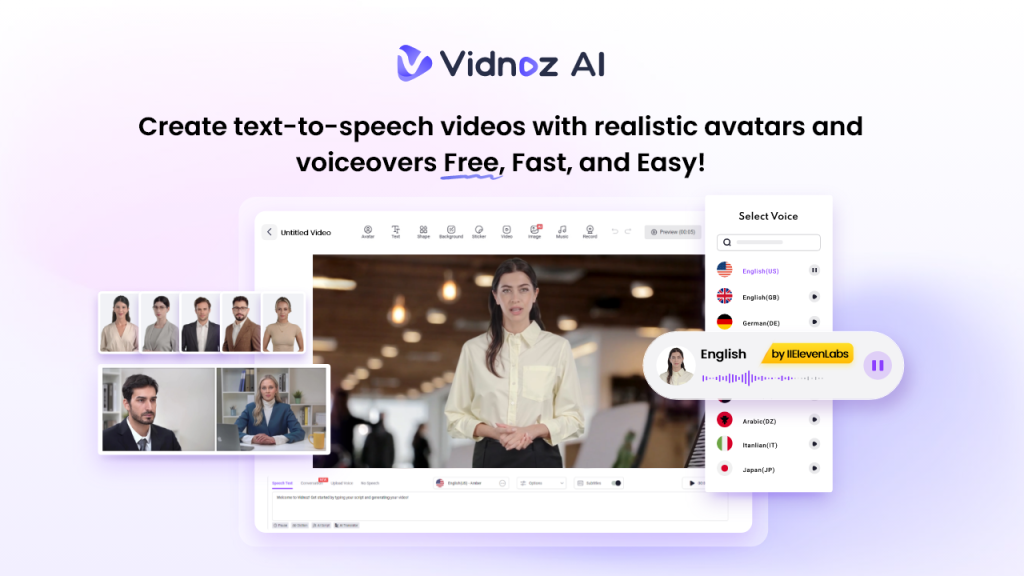
In today’s digital classroom, keeping students focused is harder than ever. Traditional teaching methods fail to capture attention, especially when learners are surrounded by short-form videos, social media, and interactive apps. Vidnoz AI helps educators bridge this gap by turning lessons into engaging AI-powered videos with lifelike avatars, natural voices, and customizable templates. In this guide, we’ll learn everything about Vidnoz AI and how it can help educators increase student engagement by up to 60% while saving valuable teaching time. Ensure you read this guide till the end.
Part 1: Overview of Vidnoz AI
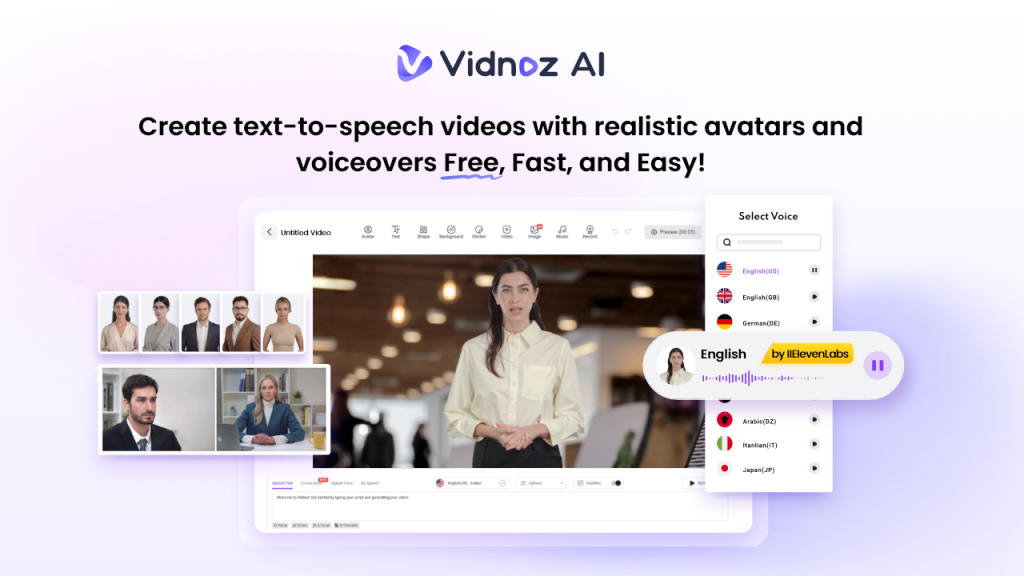
When it comes to video creation, the first tool that comes to mind is Vidnoz AI. It is an online AI video generator designed to help users create professional videos without needing cameras, actors, recording equipment, or advanced editing skills. For educators, it works as a smart teaching assistant that can turn lesson scripts, notes, and ideas into engaging videos within minutes. One of the best parts of this program is that it is certified with ISO/IEC 27001:2022 for Information Security Management, making lecture creation safer and more reliable for educators. Additionally, Vidnoz AI offers a wide range of AI tools, including Online Video Editor, AI Voice Changer, AI Headshot Generator, AI Video Enhancer, AI Dance Photo, and more.
Part 2: Why Vidnoz AI Is a Smart Choice for Modern Teachers
Vidnoz AI is a smart choice for modern teachers because it offers features that make lesson creation faster, easier, and more engaging. Here are the top features that make Vidnoz AI the best:
- High-Quality Video Templates: With Vidnoz AI, you’ll get 2800+ customizable video templates enabling users to create various types of videos, such as online lessons, how-to guides, tutorials, product demos, social media campaigns, advertisements, and more. For educators, these templates are useful because they remove the need to design videos from scratch.
- Lifelike AI Avatars: The program includes 1900+ realistic avatars, each from different industries and roles. It includes avatars of teachers, students, hosts, customer supporters, nurses, trainers, doctors, coaches, office workers, and many more. Plus, Avatar Lite enables users to create unlimited digital twins, while the Expressive Avatar feature makes those avatars look more natural and human-like with gestures and emotions.
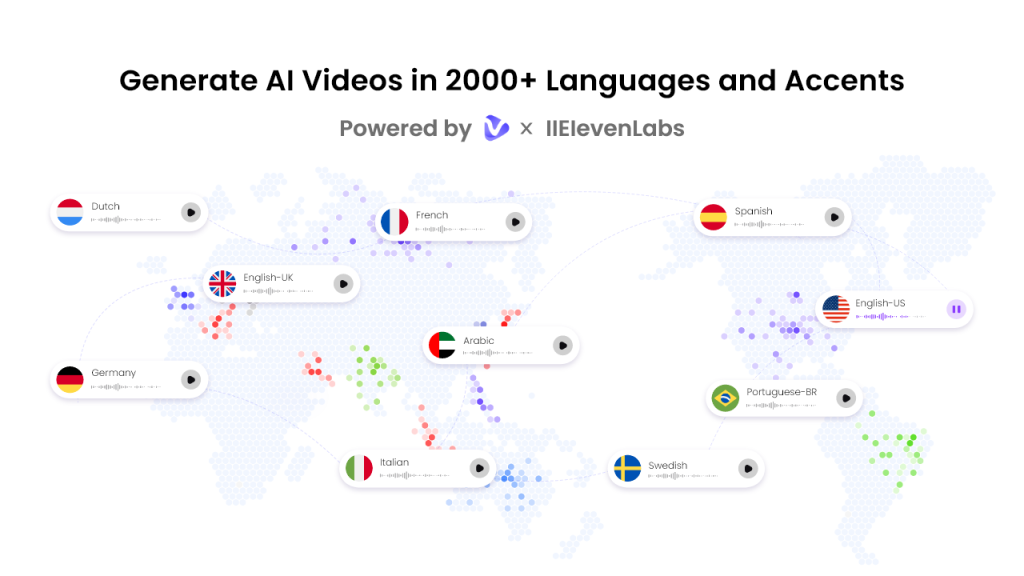
- Engaging AI Voice: Vidnoz AI provides 2000+ natural-sounding AI voices in 140+ languages, each with a unique accent and style. All voices are powered by ElevenLabs, Google, and Microsoft. Additionally, creators can select from a diverse range of voice styles, sentiments, and emotions to perfectly match their video’s intended tone and style.
- Free Version: One of the standout features of Vidnoz AI is that it includes a free version, allowing users to create high-quality videos without spending a single penny. The free version will give you 30 free credits and powerful tools such as Online Video Editor, AI Video Enhancer, AI Voice Changer, AI Headshot Generator, and more.
- AI Video Wizard: The program includes an impressive feature known as AI Video Wizard. With the help of this feature, users can create high-quality videos with a simple text prompt or any source material. No script or editing experience required to create videos with Vidnoz AI.
Part 3: How Vidnoz AI Increases Student Engagement
Vidnoz AI helps educators make lessons more interactive, visual, and easy to understand, making learning more enjoyable for students:
- Makes Lessons More Visual: Vidnoz AI turns text-based lessons into engaging videos with avatars, animations, images, and backgrounds, making complex topics easier to understand.
- Support Multiple Languages: The program enables users to translate lessons in multiple languages, making educational content more accessible for students from different backgrounds.
- Keeps Student Focused: Video lessons are easier to understand and follow compared to traditional teaching methods. This visual approach helps keep learners interested throughout the lesson and increases student engagement by 60%.
Part 4: How to Turn Lessons into High-Quality Visuals With Vidnoz AI
Vidnoz AI Video Generator offers an easy-to-use interface, allowing teachers to create high-quality videos without professional help. Here is how to do it:
- Go to Vidnoz AI’s official site and log in with your account. Hit the “Create Free Video Now” button and select the video template and avatar.
- Enter your video script and choose the AI voice. Teachers can also translate the video into 140+ languages, including English, Chinese, Spanish, French, and more.
- Next, use the Online Video Editor to customize the video according to your requirements. Users can adjust the background, change the theme, and insert text.
- Finally, click on the “Generate” button to begin the video creation process. Within seconds, your AI video will be ready and available for download.
Final Thoughts
Vidnoz AI is a powerful solution for educators who want to make learning more engaging, interactive, and accessible. With its customizable templates, lifelike AI avatars, natural-sounding voices, multilingual support, and Expressive Avatar features, teachers can easily turn traditional lessons into professional video content.

